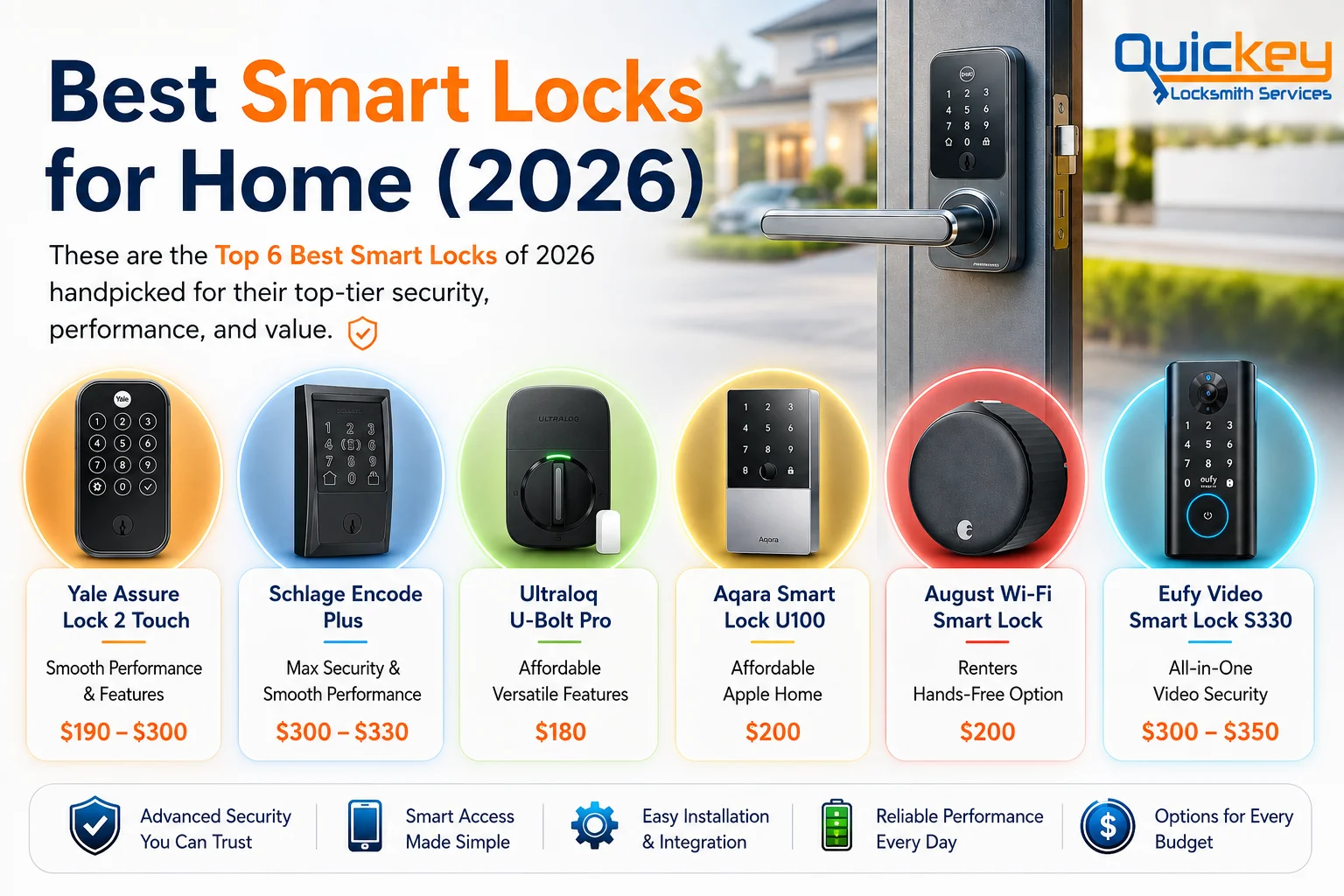
Yes. Smart locks can offer better access control than traditional key locks with features like PIN codes, fingerprint access, and automatic locking. However, proper installation and choosing a quality smart lock are important for the best security.
Smart locks are becoming a popular choice for homes because they offer convenient keyless access and greater control over your door’s security. If you’re new to smart locks, here are the two most important things to know before deciding if one is right for you.
What Is a Smart Lock? An electronic door lock that lets you lock and unlock your door using a smartphone, keypad, fingerprint, or other secure methods instead of relying only on a traditional key.
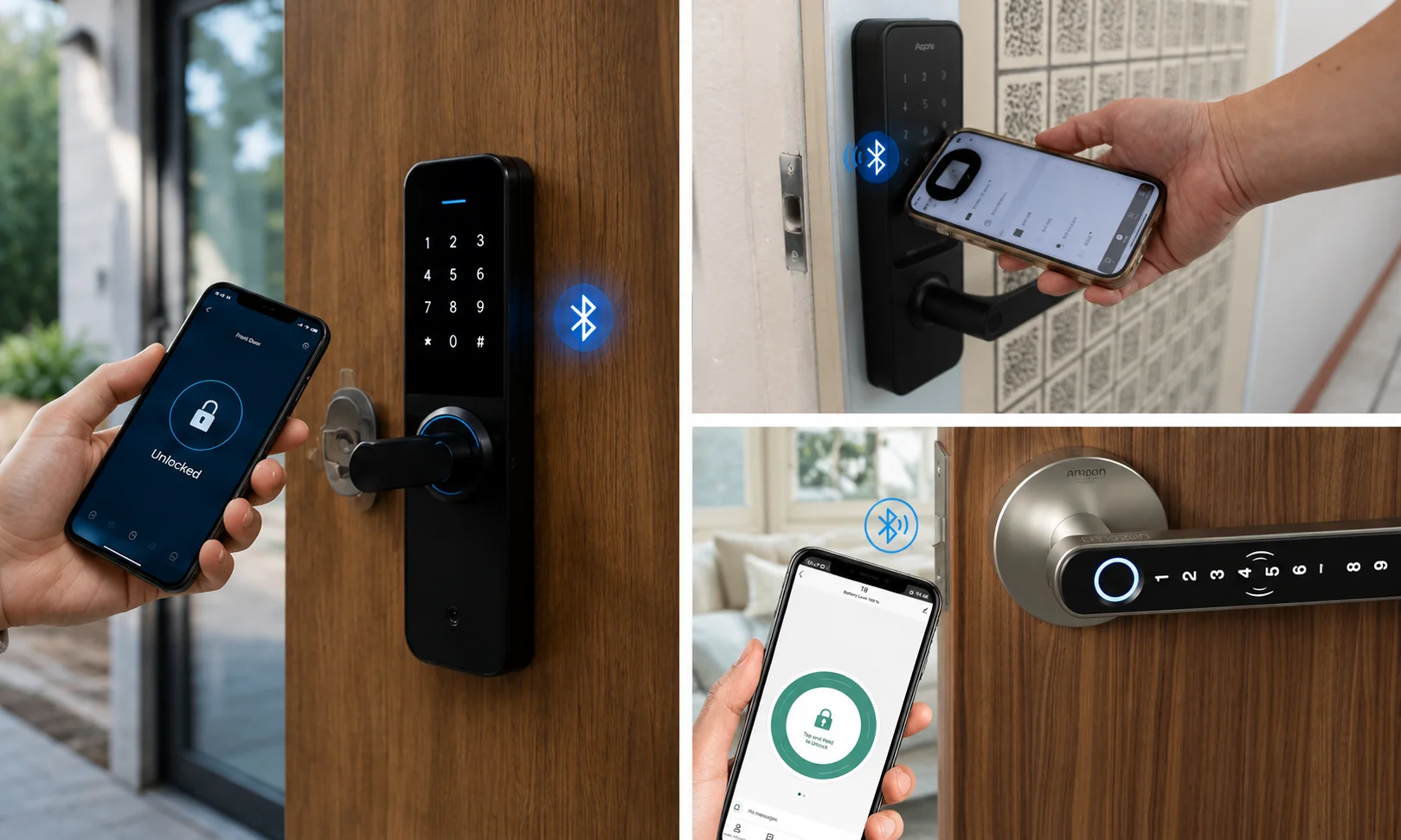
How Do Smart Locks Work? Smart locks verify your identity through secure authentication, such as a mobile app, PIN code, fingerprint, Bluetooth, or Wi-Fi, before locking or unlocking your door.
If you want to understand smart locks in more detail, you’re in the right place. This guide explains everything you need to know, including how they work, their common features, the different types available, and whether they’re worth considering for your home.
A smart lock is an electronic locking system designed to make entering your home easier and more convenient than using a traditional key alone. Instead of relying only on a physical key, it gives you multiple secure ways to access your home while keeping the same reliable locking mechanism.
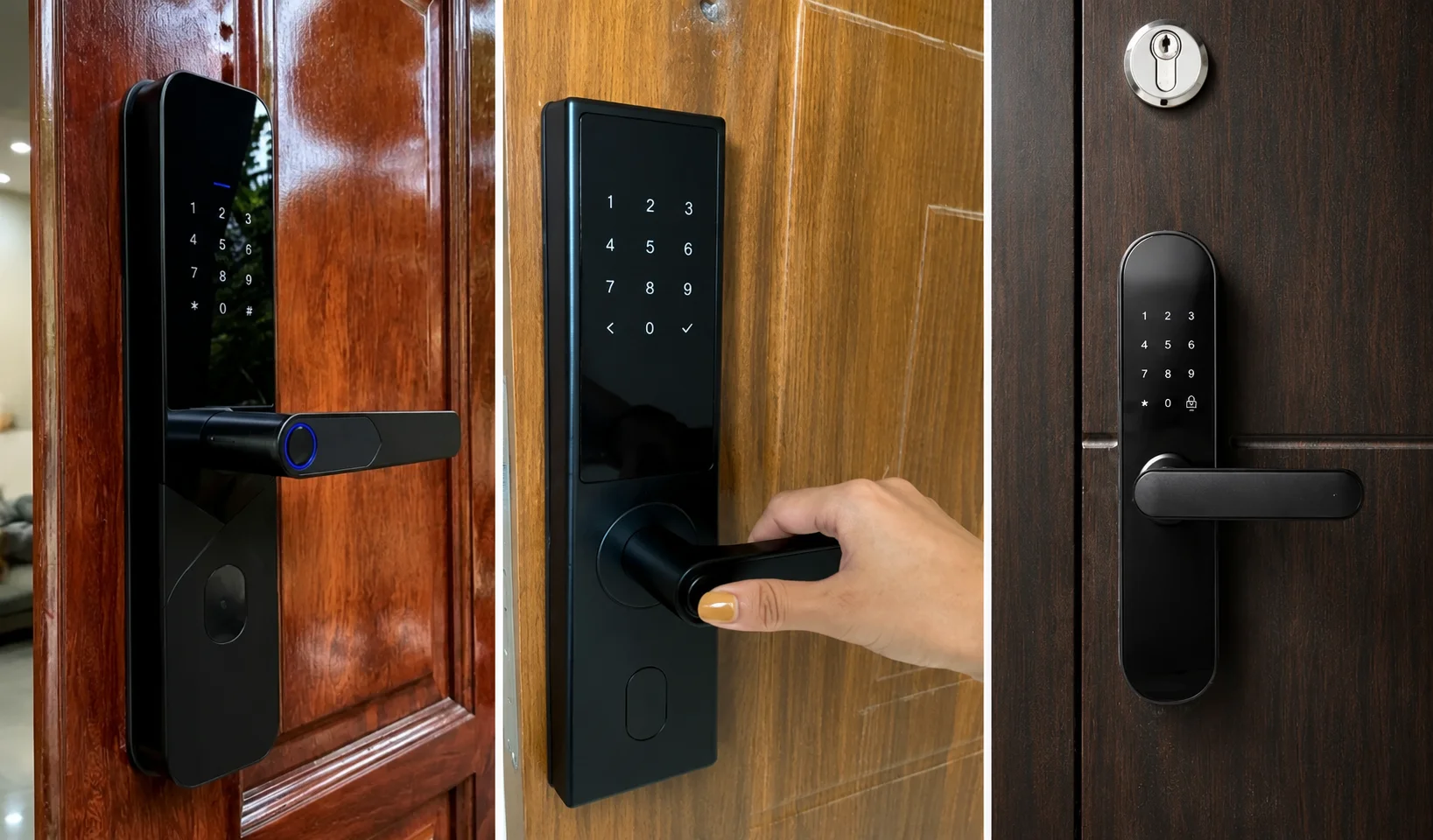
Think of a smart lock as a traditional lock with modern technology built into it. The physical lock still secures your door, but the way you access it becomes much smarter. Depending on the model, you can unlock your door using a smartphone, PIN code, fingerprint, key fob, or even voice commands through compatible smart home devices.
Most smart locks are designed to work with existing doors, and many models still allow you to use a physical key as a backup. This means you get the convenience of keyless entry without giving up the reliability of a traditional lock when you need it.
Smart locks work by verifying your identity before allowing access to your home. Instead of relying only on a physical key, they use secure authentication methods such as a PIN code, fingerprint, smartphone app, Bluetooth, Wi-Fi, key fob, or a traditional backup key, depending on the model. Once your identity is verified, the lock’s internal motor automatically turns the deadbolt or locking mechanism to lock or unlock the door.
Although different brands use different technologies, most smart locks follow the same basic process:
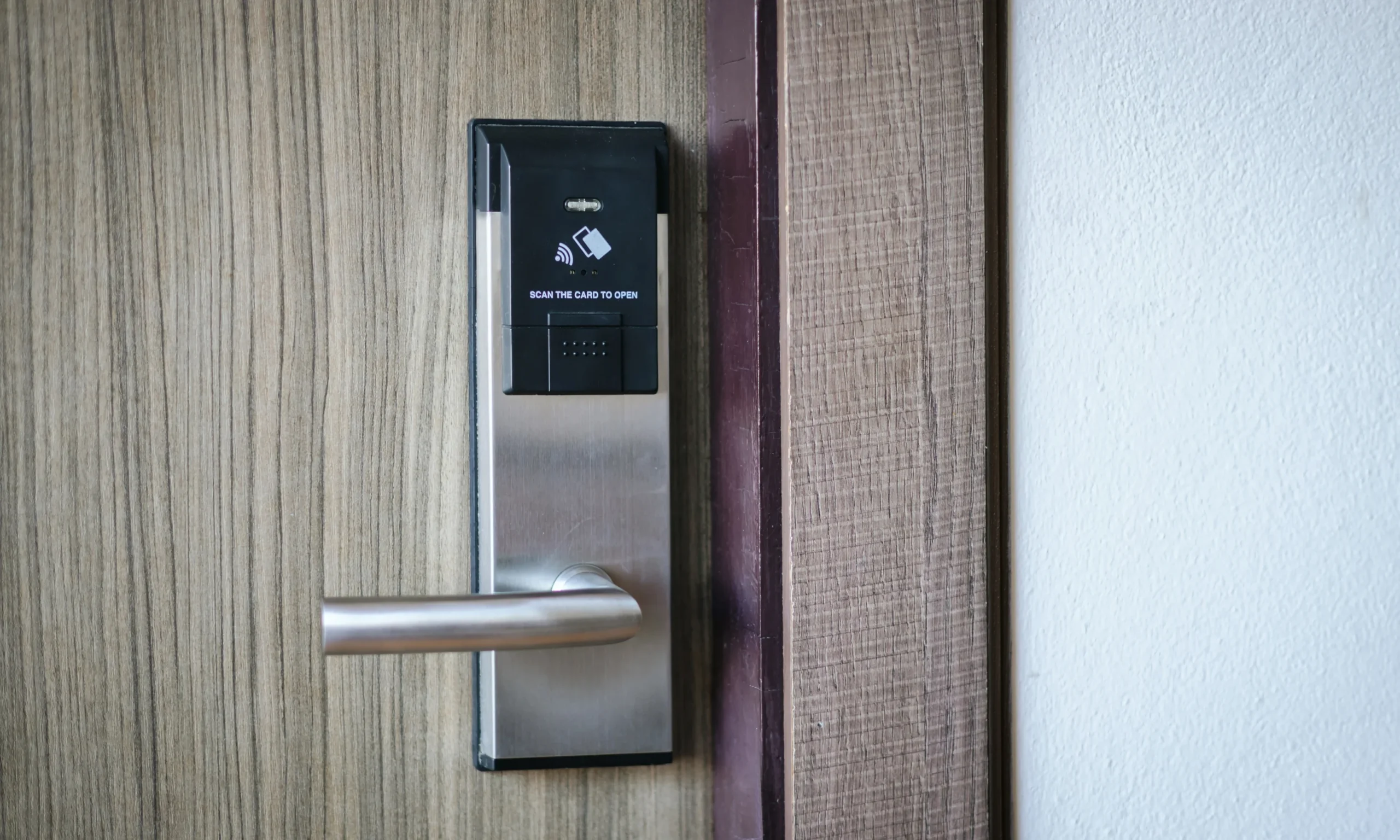
The process begins when you try to unlock the door. This could be by entering a PIN code, scanning your fingerprint, opening the mobile app, tapping an NFC card, or using another supported access method.
The lock checks whether you’re an authorized user. If the PIN, fingerprint, smartphone, or other credentials match the information stored in the lock, it approves your request. If the verification fails, the door remains locked.
After successful verification, a small electric motor inside the smart lock rotates the deadbolt or locking mechanism. This unlocks the door in seconds without requiring you to insert or turn a physical key.
Many smart locks can automatically lock the door after it has been closed for a set period of time. Depending on the model, you can usually customize this setting through the lock’s mobile app.
While the access methods and features vary between models, the basic working principle remains the same: verify the user’s identity first, then electronically control the locking mechanism to secure or unlock the door.
While features vary from one model to another, most smart locks include several functions designed to make home access more convenient, secure, and easier to manage. Here are some of the most common features you’ll find:
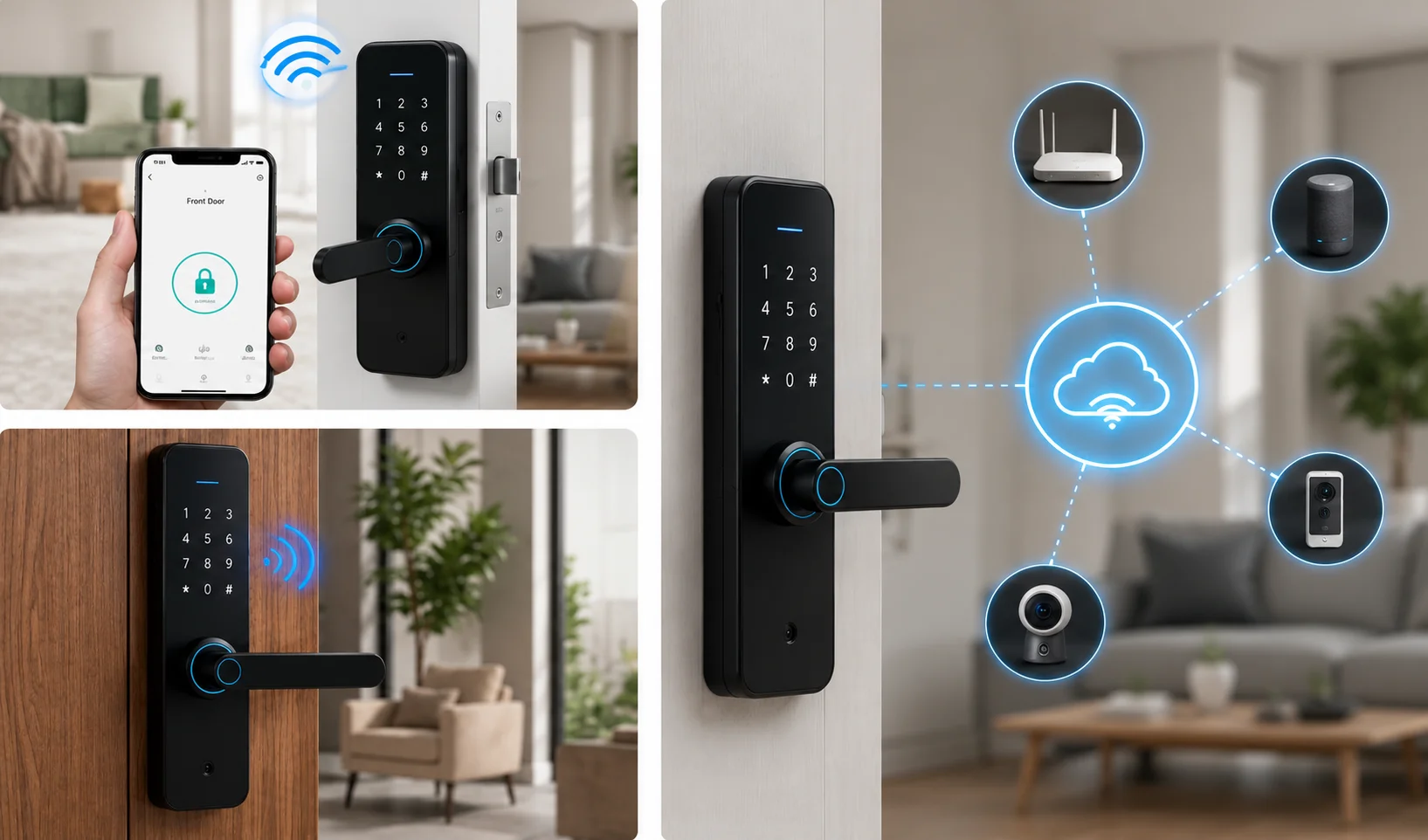
Many smart locks let you lock or unlock your door using a mobile app. Depending on the model, you can also check the lock’s status and manage settings directly from your smartphone.
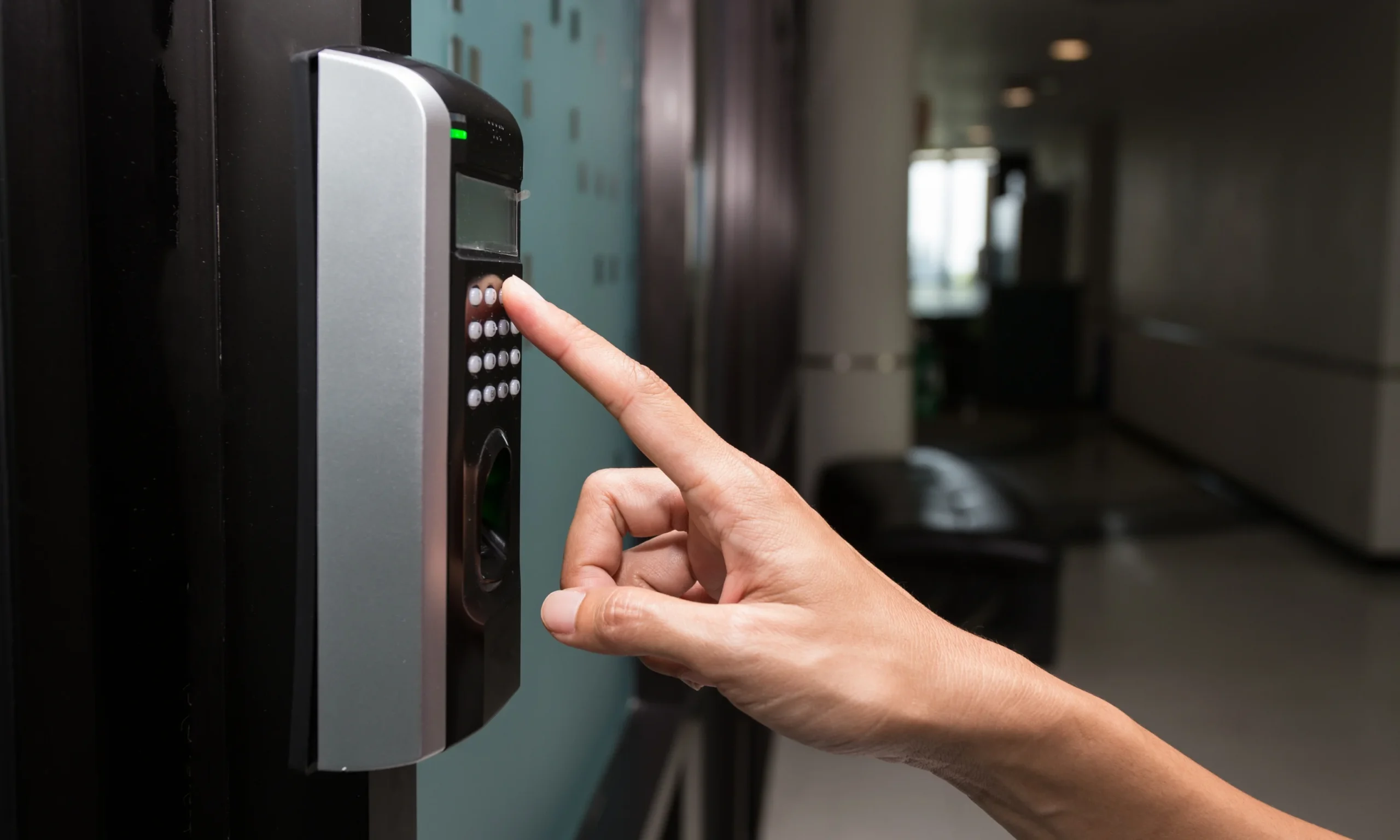
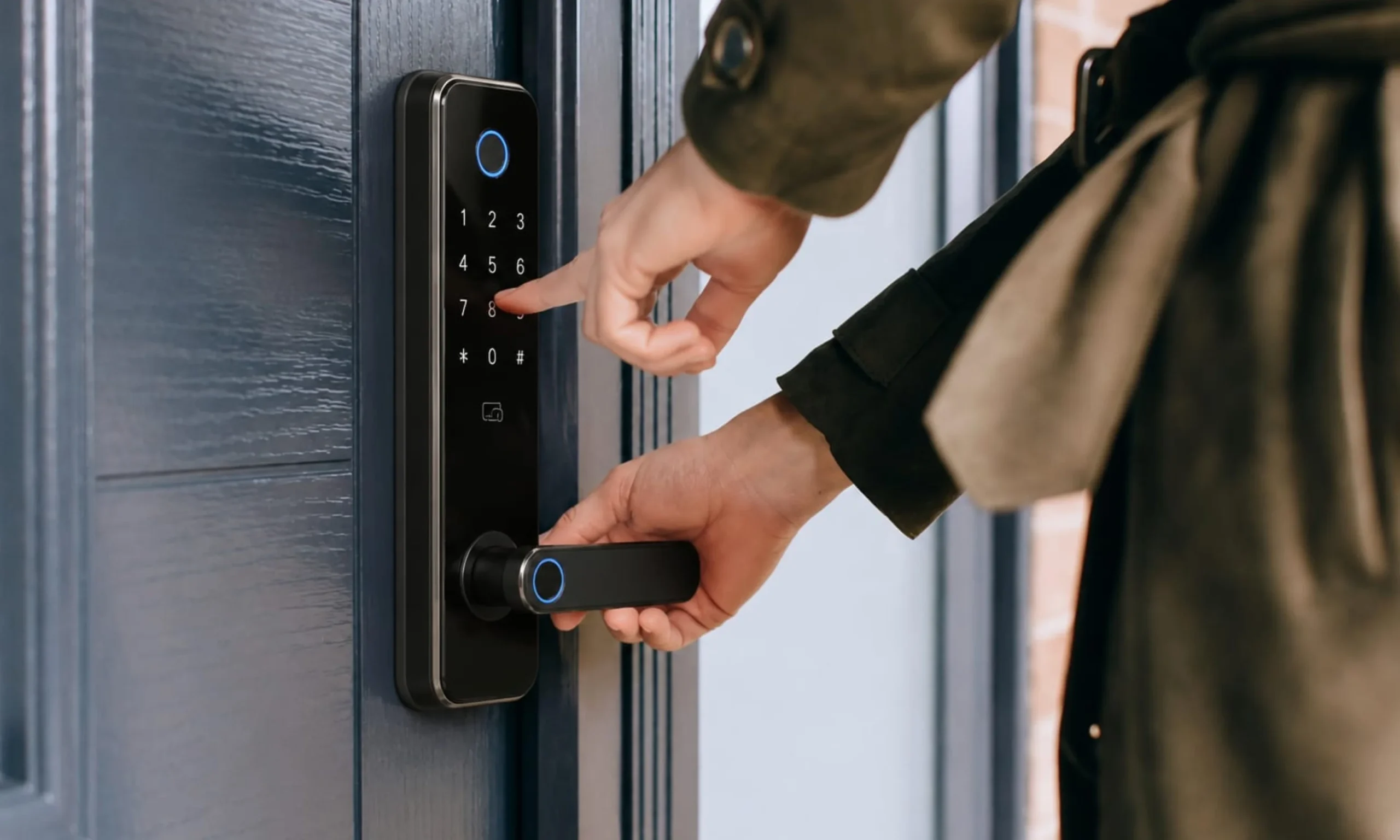
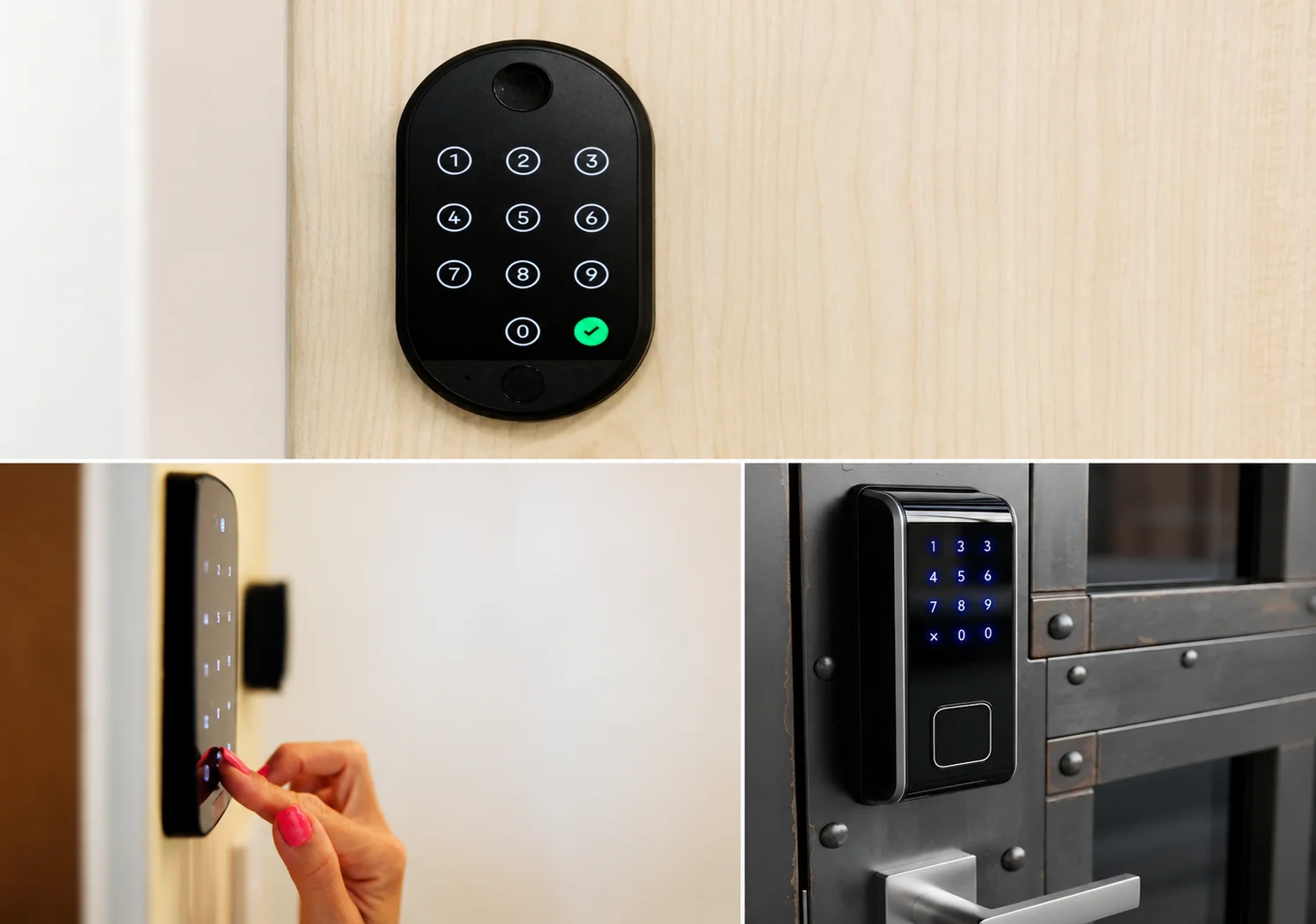
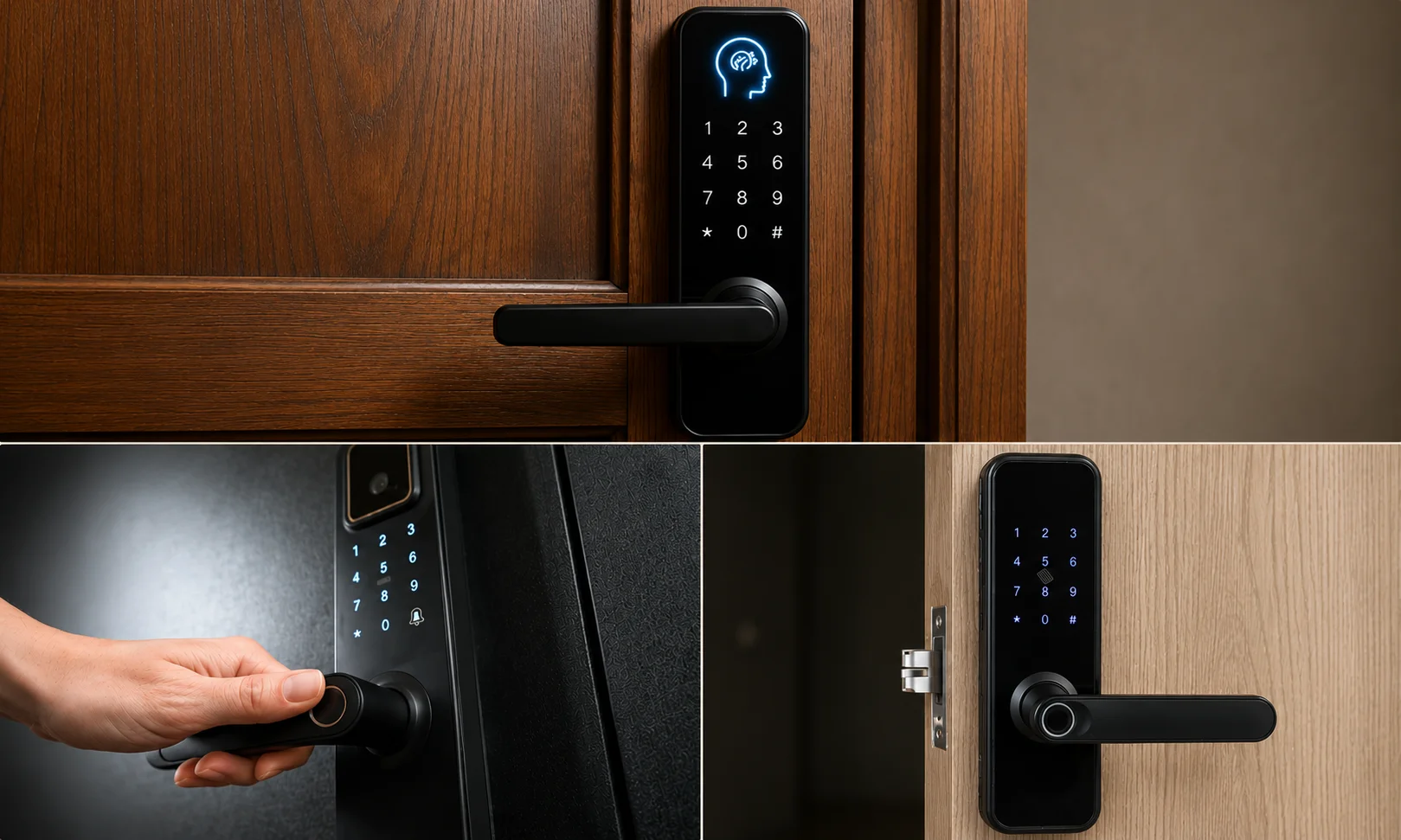
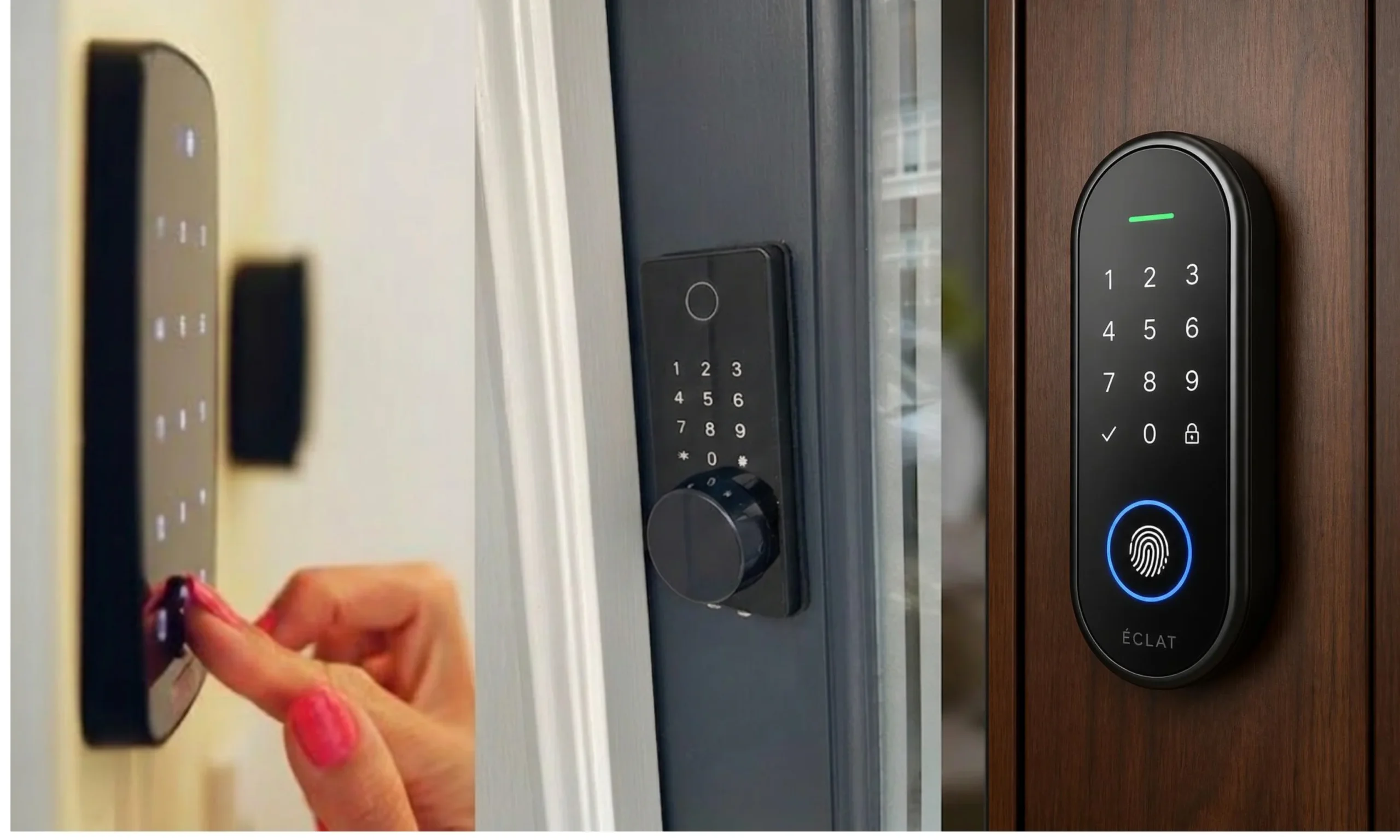
Instead of carrying a physical key, you can unlock the door by entering a unique PIN code on the keypad. This is especially useful for family members, guests, or anyone who prefers keyless entry.
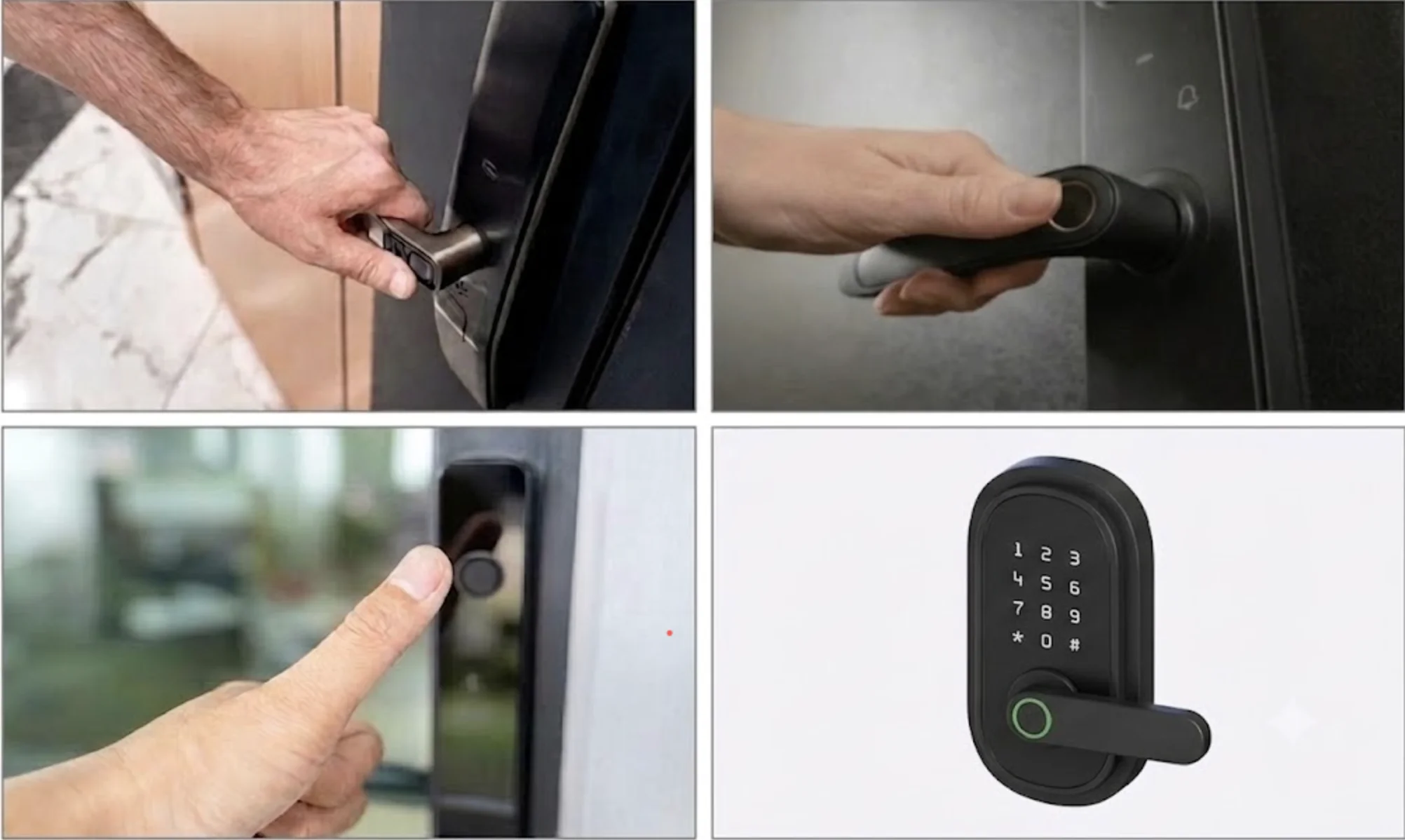
Some smart locks include a built-in fingerprint scanner, allowing authorized users to unlock the door with a simple touch. This provides quick access without remembering codes or carrying keys.
Most smart locks still include a traditional key as a backup. If the battery runs low or electronic access isn’t available, you can still unlock the door using the physical key.
Many models allow you to create temporary PIN codes for guests, cleaners, contractors, or delivery personnel. These codes can usually be removed or expire automatically after a set time.
Not all smart locks are built the same. While they all serve the same purpose, they differ in how they’re installed and how much of your existing lock they replace. They typically fall into one of these two categories:
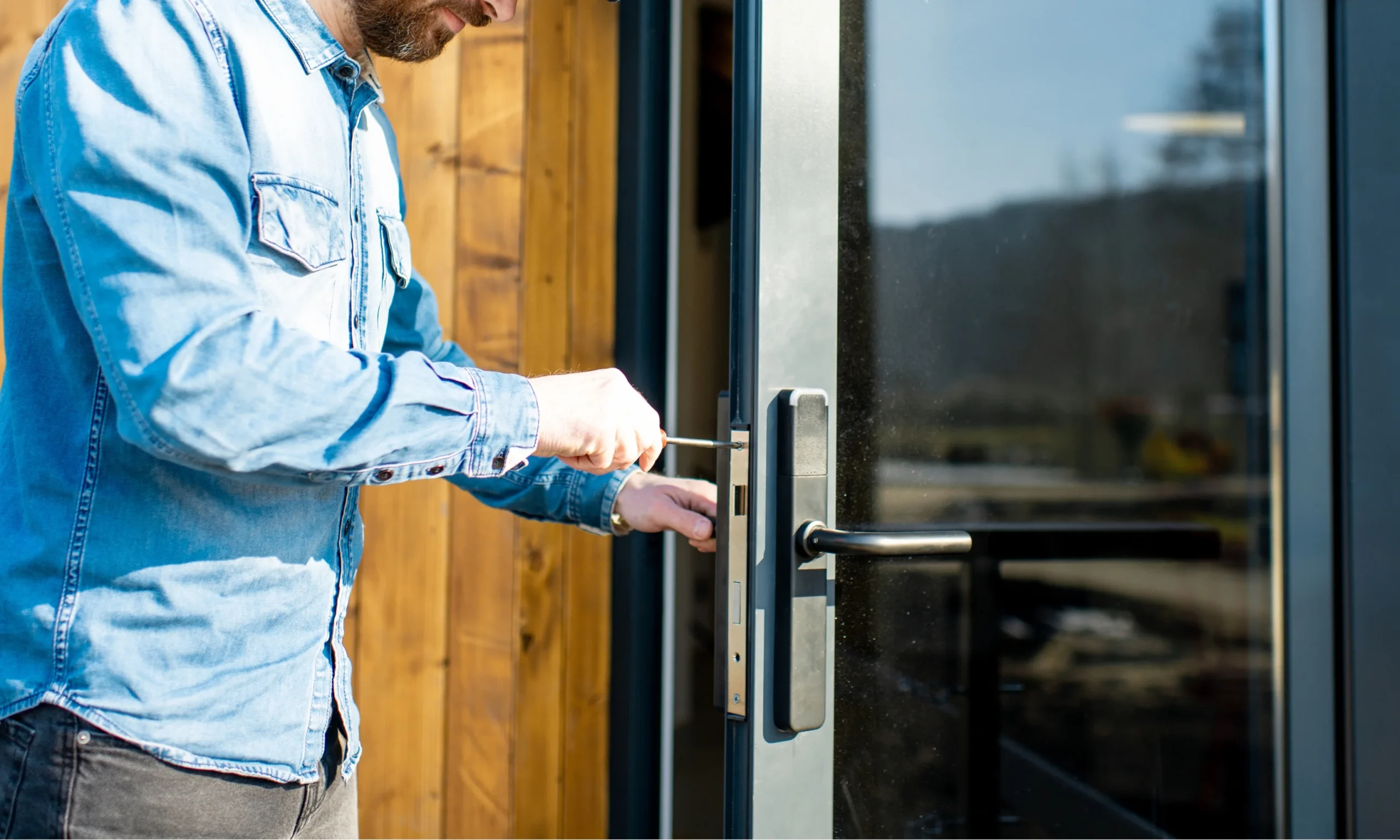
A full-replacement smart lock completely replaces your existing lock and hardware. The old deadbolt, exterior components, and interior parts are removed and replaced with a brand-new smart locking system. This option is ideal if you’re upgrading an older lock, replacing damaged hardware, or installing a smart lock as part of a home security upgrade.
Also known as adapter locks, these systems upgrade your existing deadbolt instead of replacing it. They install on the inside of your door and work by turning the existing thumbturn electronically. From the outside, your lock and physical key remain the same, making installation quicker and allowing you to continue using your current keys.
Many homeowners choose a smart lock because it makes everyday access easier and more convenient. Instead of relying only on physical keys, you can unlock your door using a PIN code, fingerprint, smartphone, or other supported methods. A smart lock also makes it easier to manage access for family members, trusted guests, or service providers without handing out extra keys.
Smart locks aren’t completely maintenance-free. Most models run on batteries that need to be replaced from time to time, and some advanced features may require a mobile app or Wi-Fi connection. They also cost more upfront than traditional locks, so it’s important to choose a model that fits both your needs and your budget.
If convenience, flexible access, and better control over your home’s entry are important to you, a smart lock is worth considering. Just be sure to choose a model that fits your door, budget, and security needs.
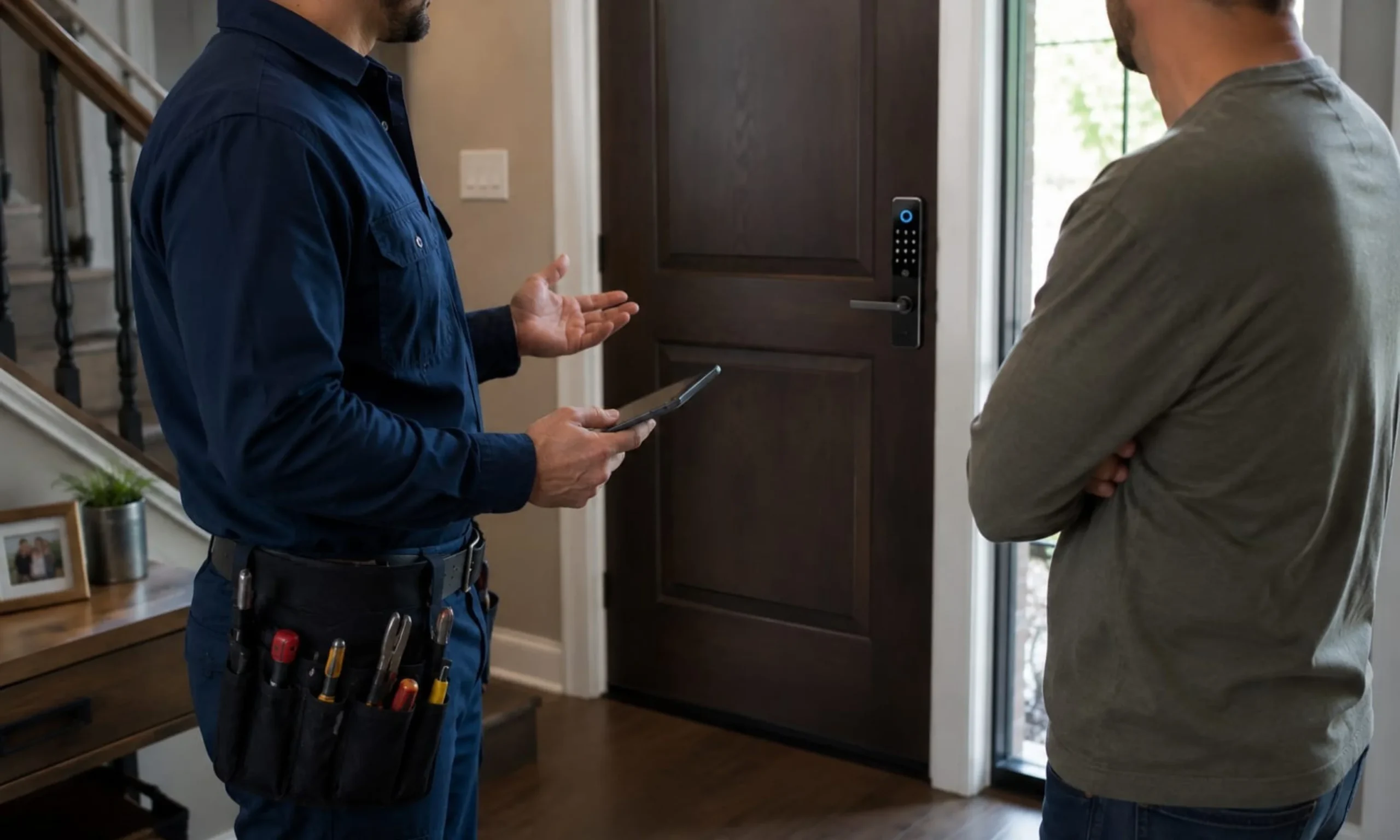
Call Quickey Locksmith Services today for expert guidance and professional installation.
Yes. Smart locks can offer better access control than traditional key locks with features like PIN codes, fingerprint access, and automatic locking. However, proper installation and choosing a quality smart lock are important for the best security.
Yes. Most smart locks include a physical backup key, allowing you to unlock your door even if the battery is low or electronic access isn’t available. However, this may vary depending on the smart lock model.
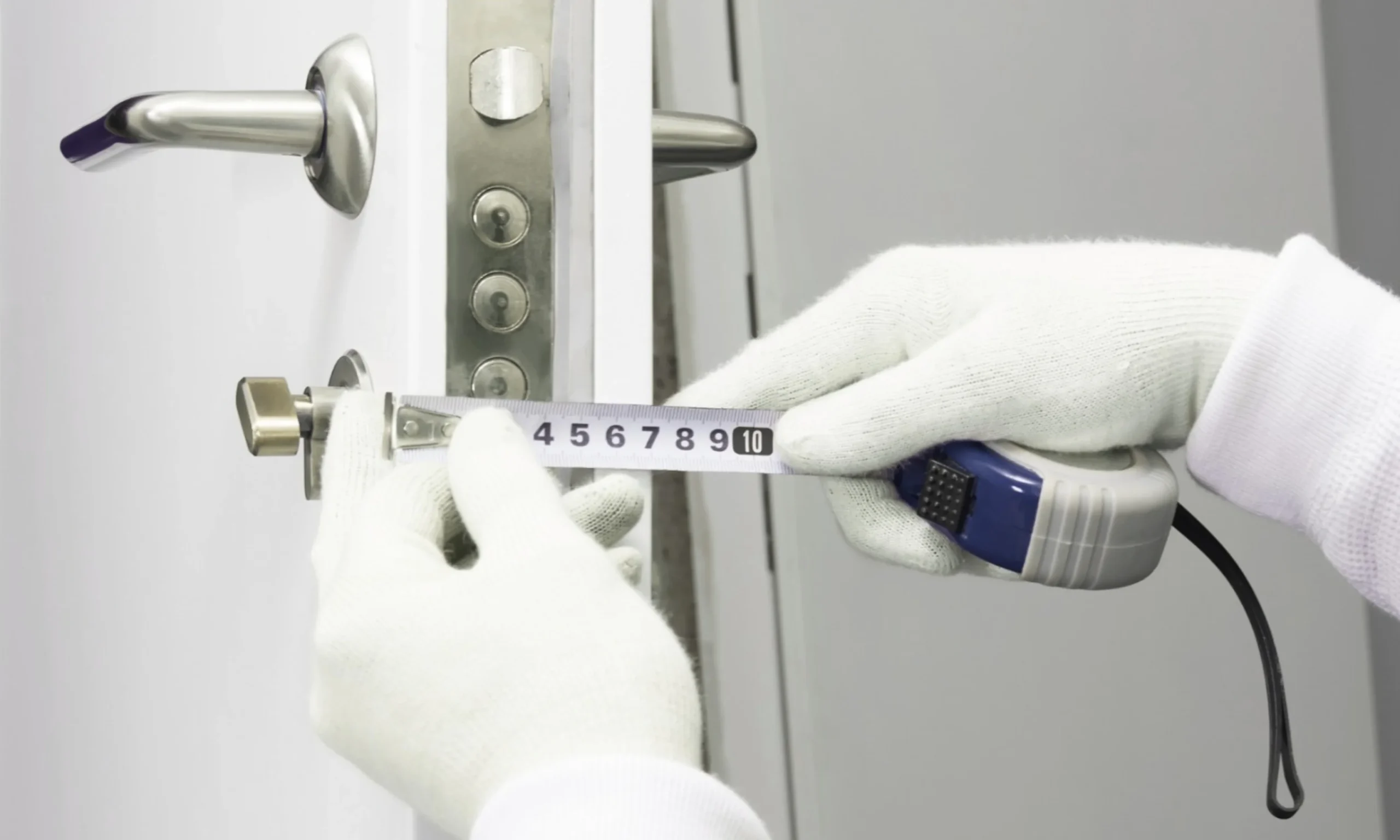
Not always. Most smart locks are designed to fit standard doors, but compatibility depends on your door’s size, thickness, and existing lock. Always check the manufacturer’s requirements before purchasing.
Yes. Many smart locks can work without Wi-Fi by using Bluetooth, a PIN code, fingerprint, or a physical key. However, remote access and some advanced features usually require a Wi-Fi connection.